Switching Password Managers on Android No Longer Means Exporting a File
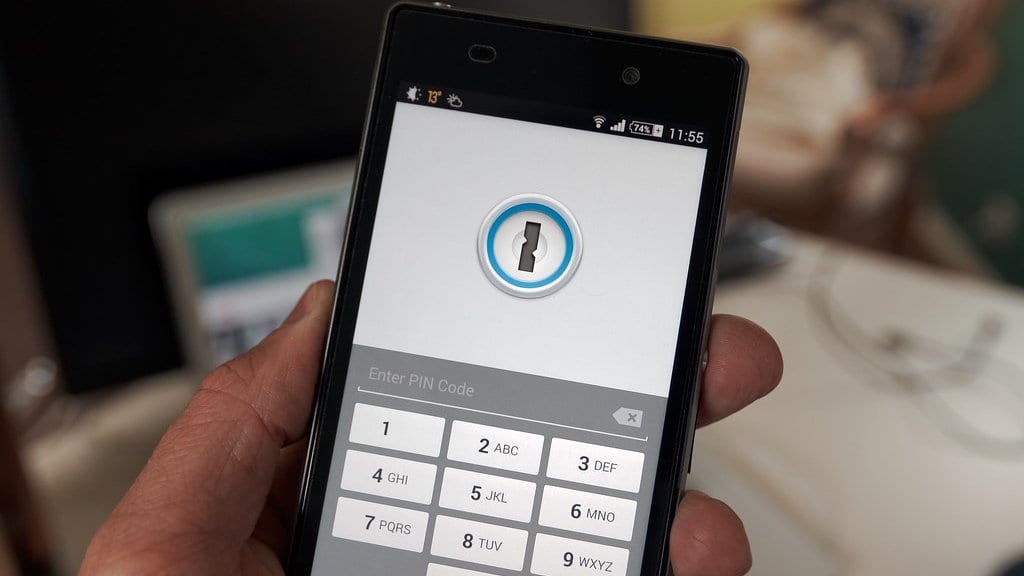
Google said on Sept. 10, 2026 that Android can now move saved passwords and passkeys straight from one password manager app to another, with no exported file at any step.
That matters for anyone who wants to change apps. Google's announcement says moving passwords used to mean downloading them into an unencrypted text file that then sat unprotected on the device. Passkeys, the credentials a device stores in place of a typed password, could not be moved at all, so people had to recreate them site by site.
The transfer is already working in four apps: Google Password Manager, 1Password, Bitwarden Password Manager and Dashlane, with more partners to follow. A footnote on the announcement limits it to devices running Android 8 or later.
In the post's account, the user opens the new password manager and picks the option to import, and the app hands the task to Android. Android then detects the other managers installed on the device and shows which ones it can pull from. Tapping Continue sends the user back to the existing manager to select, review and authorize what moves. Google describes the new route as simpler and safer than the old export, but no independent assessment of the transfer has been published.
The post is signed by Jean-Pierre Pralle, a product manager for Android, and Chirag Desai, a senior product manager for Chrome. It points to a Google Help Center walkthrough for the steps.